Return to homepage

Town utility billing

Pay Your Utility Bill Online

Follow the steps below to pay securely through the Paystar portal.
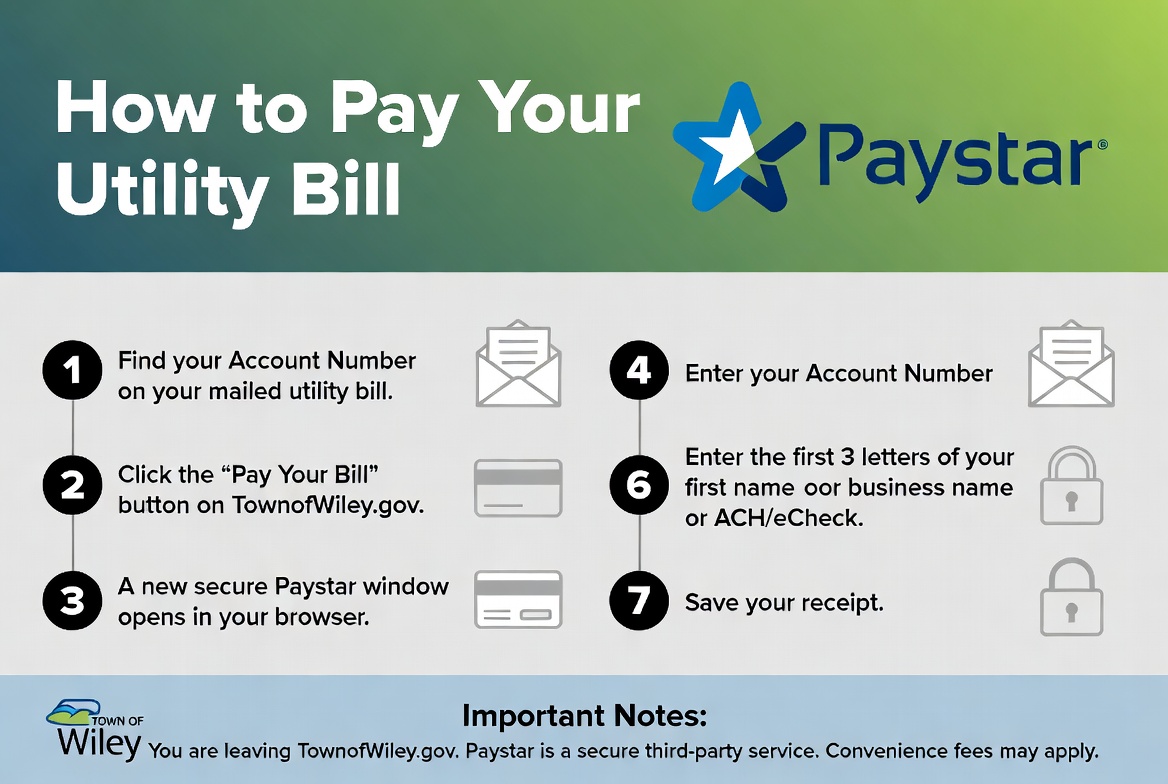
How to Pay Your Utility Bill via Paystar: find your account number on your mailed bill; click Pay Your Bill on townofwiley.gov; a secure Paystar window opens; enter your account number; enter the first three letters of your first or business name; pay with card or ACH; save your receipt. You are leaving townofwiley.gov. Paystar is a secure third-party service. Convenience fees may apply.

Ready to pay?

Open the secure Paystar portal to pay your utility bill.

The online payment portal is not yet active. Call Town Hall or email the town clerk for assistance.
Need help right now?

The town clerk can help with balances, payment options, and your account.